
A shipping label has one practical job: help the correct package move through the correct network to the correct destination. That sounds simple until an unreadable barcode, incomplete apartment number, old label, or poorly placed seam sends a parcel into manual handling.
These six free shipping label templates include printable, blank, carrier-style, and editable Word examples. They are useful for layout planning and non-carrier identification. For an actual shipment, create the transport label through the selected carrier or approved shipping platform so the barcode, service, routing, and tracking data meet current requirements.
Shipping Label, Address Label, and Handling Label
An address label identifies sender and recipient. A carrier shipping label usually adds tracking numbers, machine-readable barcodes, service level, routing codes, package references, and other operational data. A handling label communicates instructions such as orientation, temperature, fragility, or special procedures.
One label cannot automatically replace the others. “Fragile” does not create adequate packaging, and a custom address block does not create valid postage or carrier acceptance.
Essential Address Information
Use the recipient’s full name or organization, department where relevant, street address, building or unit number, city, region, postal code, and country for international shipments. Add a telephone number or email only when the carrier, transaction, or destination requires it and privacy rules permit.
The sender or return address should be accurate and monitored. Avoid decorative fonts, unnecessary punctuation, and low-contrast colors. Follow the destination country’s address format rather than forcing every address into a domestic pattern.
Verify Before You Print
Ask the customer to confirm the complete address during checkout. Use approved address validation where available, but do not silently replace a valid address merely because software suggests a different form. Confirm unusual corrections.
Check apartment, suite, floor, building, company, campus, military, and post-office-box details. Verify that the selected carrier can deliver to the address type. A technically valid postal code does not guarantee that the rest of the destination is correct.
Carrier-Generated Data
Tracking numbers, barcodes, routing information, service codes, postage indicators, and sortation marks should come from the carrier or an authorized system. Do not redraw, resize, crop, or recreate a carrier barcode in a generic template.
If a platform returns a label file, print it at the instructed scale. Options such as “fit to page” can shrink a 4-by-6-inch label and reduce scan reliability. Use the carrier’s test or sample workflow when setting up a new printer.
Label Size and Printer Setup
Thermal 4-by-6-inch labels are common in parcel shipping, while sheet labels work for lower volumes. The correct size depends on the carrier, service, printer, package, and region. Match the label stock and printer settings to the generated file.
Calibrate the printer, select the proper media type, and clean print components according to manufacturer instructions. Print a test and inspect quiet zones around barcodes, edge clipping, darkness, smearing, missing lines, and alignment.
Place the Label Where It Can Be Scanned
Choose the largest flat surface. Keep the label away from box seams, edges, closures, straps, handles, curves, and areas likely to wrinkle. Do not wrap a barcode around a corner. Apply the label firmly so it remains flat through sorting and transport.
Remove or completely cover old shipping labels and barcodes. Multiple visible routing labels can confuse equipment and handlers. Keep necessary regulatory or handling markings visible and follow carrier instructions for label pouches.
Packaging Comes First
A label cannot compensate for a weak box, insufficient cushioning, leaking container, or poor seal. Choose packaging suited to the item’s weight, shape, fragility, value, route, and environmental exposure. Immobilize contents and use an approved closing method.
For high-value or damage-sensitive goods, document condition before sealing and follow insurance or declared-value requirements. Carrier limitations and exclusions can change; review current terms.
International Shipping Labels
International consignments may require customs declarations, commercial invoices, tariff classification, origin information, values, licenses, certificates, or electronic advance data. A shipping label template is not a customs declaration and does not determine compliance.
Descriptions such as “gift,” “parts,” or “samples” may be insufficient. Use accurate plain-language descriptions and obtain qualified guidance for classification, valuation, origin, sanctions, export controls, taxes, and restricted goods.
Dangerous Goods and Restricted Items
Dangerous goods, batteries, aerosols, chemicals, biological materials, dry ice, and other regulated items can require trained personnel, approved packaging, marks, labels, documents, quantity limits, and carrier authorization. Do not use a generic hazard icon or ordinary shipping label as a substitute.
Check the current rules for the transport mode and route. Consumer products that seem harmless may be restricted in air transport or international mail.
Privacy and Data Minimization
A parcel label is visible to many people. Include only information necessary for delivery and compliance. Do not print order contents, payment data, identity numbers, medical details, account credentials, or marketing notes on the outside unless specifically required and lawful.
Dispose of misprints securely because they contain names and addresses. Restrict access to shipping systems, customer exports, tracking data, and reprint functions. Log unusual reprints or address changes where risk warrants it.
Returns and Reverse Logistics
A return label should identify the return destination, carrier service, tracking, and any authorization required by the seller. Explain whether the label is prepaid, when it expires, what items belong in the package, and whether several orders may be combined.
Do not place an active outbound label and active return label visibly on the package at the same time unless the carrier’s process explicitly supports it. Give the customer clear instructions for covering or removing the original routing label.
Batch Printing Without Batch Mistakes
When printing many labels, connect each label to the correct picked and packed order. Use scan verification or a controlled sequence, not visual memory. Keep the package with its paperwork until the label is applied.
Pause the process if labels jam, skip, duplicate, or print out of order. Reconcile used, voided, and reprinted tracking numbers before releasing shipments.
Quality Control at the Packing Station
Use a short final check before the parcel leaves the station: correct order, correct item and quantity, secure packaging, correct weight and dimensions, correct service, correct destination, readable label, and old barcodes removed. Where the risk or value is high, require a second person or scan-based verification.
Record the actual packed weight rather than a product-catalog estimate when the carrier bills or routes by weight. If the dimensions change after repacking, regenerate the shipment where required instead of applying an inaccurate label.
Address Changes and Intercepts
An address change after purchase can be legitimate or fraudulent. Authenticate the request, record the original and revised details, apply approval rules, and follow carrier options. Do not edit a printed label by hand unless the carrier explicitly allows it.
If a shipment is already in the network, use the carrier’s authorized redirect, hold, or intercept process. A new label emailed to an unknown party can redirect valuable goods outside normal controls.
Tracking Communication
Send tracking information through the customer’s expected channel and link to the carrier or an approved branded tracking page. Warn customers to be cautious with unexpected delivery messages, payment requests, or shortened links.
Tracking status is not proof of the item’s condition or necessarily proof that the intended person received it. Signature, photo, age verification, identity check, or other services may be available where appropriate and lawful.
Shipping Labels for Small Businesses
Small volume does not remove the need for a repeatable process. Keep address data in the order system, generate labels from approved integrations, use a reliable scale, and retain the shipment reference. Avoid retyping addresses whenever a secure data flow can reduce errors.
Create separate templates for internal carton identification, inventory transfer, returns, and customer delivery. Their layouts may share branding, but their fields and barcode requirements differ.
How to Customize a Non-Carrier Label Template
For an internal or manual address label, add sender and recipient blocks, a package reference, order number, contact details where needed, and a clearly marked handling area. Use large dark type on a plain background. Leave space for the actual carrier label rather than imitating its routing zone.
Keep an untouched master, use locked positions for fixed branding, and test long names, international addresses, unit numbers, and multiple scripts. Export a print-ready file and confirm that the chosen label stock matches the page setup.
Troubleshooting Scan Failures
If a barcode does not scan, check print scale, resolution, darkness, streaks, wrinkles, glare, quiet zones, and label curvature. Reprint through the authorized shipment record; do not photocopy a damaged label or create a fresh shipment without voiding the unused one where required.
Test another scanner or carrier acceptance point only after inspecting the print. Repeated failures may indicate printer maintenance, incorrect media settings, or a malformed source file.
Common Shipping Label Mistakes
- Missing apartment, suite, or postal code
- Using the wrong carrier or service level
- Printing at “fit to page” instead of actual scale
- Placing a barcode over a seam or corner
- Leaving old routing labels visible
- Entering estimated weight or dimensions inaccurately
- Adding unnecessary personal data
- Using a generic template as a customs document
- Failing to control label reprints and address changes
- Applying the right label to the wrong parcel
Final Dispatch Check
Scan the package, compare the displayed order and destination with the parcel, inspect the label, and confirm handoff to the correct carrier stream. Retain the manifest or acceptance record according to policy. A few seconds of disciplined verification can prevent an expensive recovery.
Preview and Download the Shipping Label Templates
The original previews and available destinations are preserved below. External sources control their files and terms, so verify security, format, compatibility, and licensing.
Printable Shipping Label Template
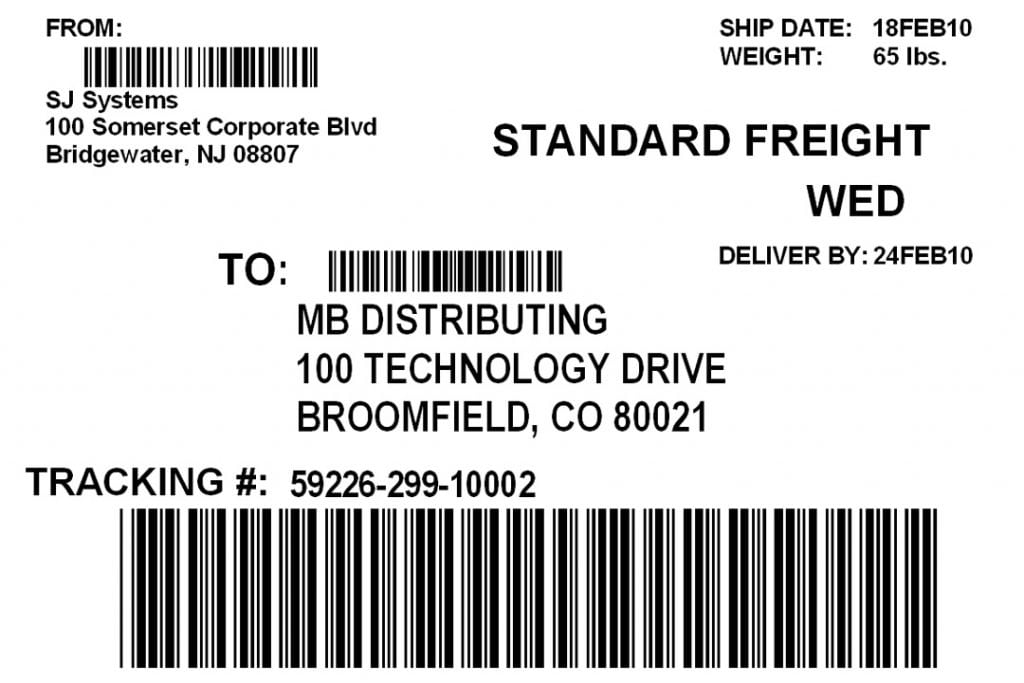

Blank Shipping Label Sample

Carrier-Style Shipping Label
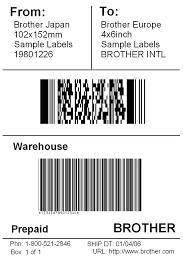
Free Shipping Label Layout
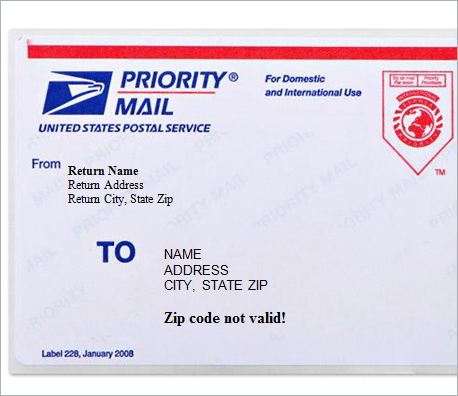
Shipping Label Example
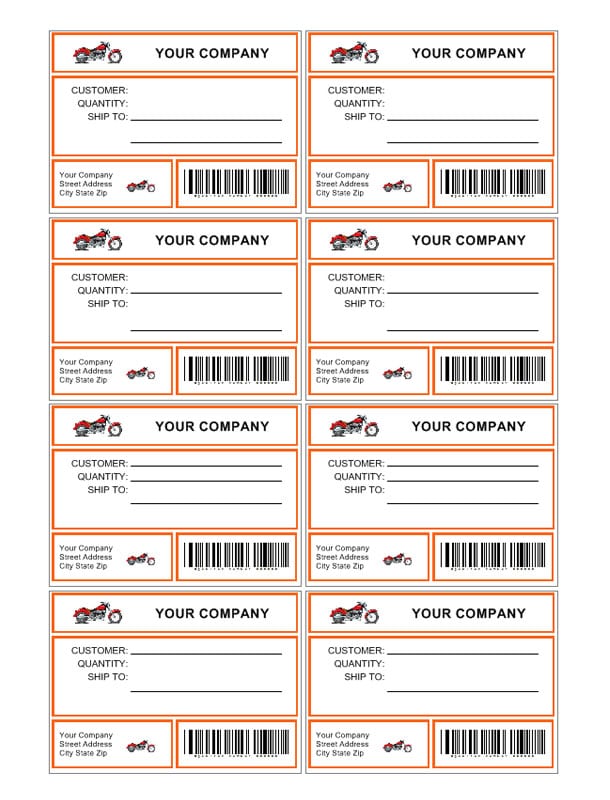
Editable Shipping Label Template


Shipping Label Template FAQs
Can a Word template replace a carrier label?
No. Generate operational barcodes, routing data, tracking, and postage through the carrier or an approved platform.
Where should a shipping label go?
Place it flat on the largest surface, away from seams, edges, straps, curves, and closures.
Should old labels be removed?
Yes. Remove or completely cover old routing labels and barcodes to prevent confusion.
Why will a barcode not scan?
Common causes include wrong scale, weak print, streaks, wrinkles, glare, poor quiet zones, or curvature.
Does a shipping label replace customs documents?
No. International shipments may require declarations, invoices, licenses, certificates, and electronic data.
Can I handwrite an address correction?
Follow the carrier’s rules. Usually the safer approach is to correct the shipment record and generate a valid replacement label.
Can I customize the hosted Word template?
Yes, for appropriate address or internal labels. Do not imitate carrier barcodes or regulated markings.
Are external download links permanent?
No. Third-party availability, formats, security, and licensing can change.