
Creating a funeral or memorial program often happens while a family is grieving and managing many decisions at once. The document does not need elaborate language or design. Its purpose is to guide people through the service, honor the person who died, and give attendees a keepsake they can understand and hold onto.
This collection includes eight funeral program templates and memorial designs, including an editable file hosted on this site. Some examples link to third-party marketplaces and may not be free, so check current price, format, security, and license before downloading.
Begin with Confirmed Information
Gather the facts before arranging the pages. Confirm the person’s full name and preferred form of name, birth and death dates, service date, time, location, officiant, participants, readings, music, and order of events. Ask one family contact to approve the final details.
Names and dates carry emotional weight. Verify spellings directly with the family or official notice rather than relying on memory or social media. Check the names of clergy, speakers, musicians, pallbearers, venues, cemeteries, and organizations.
What a Funeral Program May Include
- Full name and a meaningful photograph
- Birth and death dates
- Service date, time, and location
- Officiant or celebrant
- Order of service
- Readings, prayers, hymns, songs, or poems
- Names of readers, speakers, musicians, and pallbearers
- A short obituary, life story, or tribute
- Family acknowledgment and thanks
- Reception, burial, donation, or livestream information
Not every program needs every item. A graveside service may use one folded sheet; a longer religious or civic ceremony may require several pages. Let the service determine the document.
Build the Order of Service
Work with the officiant, funeral director, or service coordinator. A typical sequence might include a musical prelude, welcome, opening prayer, reading, hymn, obituary, tributes, reflection, closing words, and recessional. Traditions differ, and there is no universal sequence.
Use the names each community recognizes. Do not label a ritual, prayer, or role without confirming it. If timings or participants may change, keep the wording flexible and update the final file as late as the printing schedule safely allows.
Write the Life Story with Care
A short obituary or tribute should sound like the person, not a r�sum�. Include the relationships, work, service, interests, places, humor, values, or everyday habits that mattered. Ask family members what they most want people to remember.
There is no need to include every private detail. Discuss how the cause of death, family relationships, legal names, previous marriages, estrangements, military service, awards, or religious identity should be handled. Respect the family’s choices and the person’s dignity.
Select Photographs Thoughtfully
Choose a clear main portrait with enough resolution for print. Additional images can show different ages, relationships, interests, and moments without crowding the program. Obtain permission where appropriate, especially for professional photography or images of children.
Avoid stretching, over-cropping, heavy filters, or placing text across a face. Print a physical proof; an image that looks bright on screen may reproduce too dark. Keep an untouched copy of every original photograph.
Use Readable, Calm Design
Two typefaces are usually enough. Use a decorative face sparingly for a name or heading and a highly readable font for the order of service and longer text. Provide generous spacing and strong contrast. Pale gray text on a photograph may be difficult for older attendees and in dim venues.
Flowers, landscapes, religious symbols, geometric borders, or favorite colors can create a meaningful tone. Check that symbols reflect the family’s beliefs and the service. Simplicity is not impersonal; it often gives words and photographs more room to breathe.
Choose the Format
A bi-fold program uses one sheet folded in half, creating four panels. A tri-fold offers six narrow panels. Multi-page booklets provide more room for photographs, tributes, full readings, and acknowledgments but require careful page order and binding.
For home or office printing, confirm paper size, orientation, duplex settings, and the way the printer flips the sheet. Booklet pages may appear out of order in the editing file because they are imposed for folding. Run a complete sample before producing the full quantity.
Plan Printing Without Last-Minute Stress
Estimate attendance with extra copies for family members, participants, absent relatives, and keepsakes. Ask the venue or funeral home whether it prints programs and what deadline applies. Commercial printers may need additional time for specialty paper, trimming, scoring, or booklet binding.
Choose paper that folds cleanly and works with the printer. Heavy card can crack at the fold; glossy stock can show fingerprints and may be hard to write on. A medium-weight uncoated stock is often practical, but test the actual combination of file, ink, and paper.
Livestream and Remote Attendance
If the service is streamed, state the access method clearly and confirm whether a password or registration is required. Share sensitive access details through an appropriate channel rather than posting them publicly when privacy matters.
Test the link, audio, camera, and time zone. Name a person who can help remote attendees while the family and officiant focus on the service. Explain whether a recording will be available and who may view it.
Accessibility and Inclusion
Use readable type, sufficient contrast, plain headings, and logical order. Offer a large-print version if needed. If the program is distributed digitally, use real text rather than a single scanned image and add alternative text to meaningful photographs.
Confirm venue accessibility, hearing support, language interpretation, and other accommodations separately; a program cannot replace practical arrangements. Where several languages are needed, use parallel sections or a clearly organized bilingual layout.
Privacy and Safety
Be cautious with home addresses, private phone numbers, children’s details, private burial locations, and links that expose family information. A printed program can be photographed or shared online. Include only information the family has agreed to make public.
Before publishing an online memorial or downloadable program, review photograph permissions, comments, visitor tracking, and retention. Family preferences may change, so clarify who controls the digital copy after the service.
A Gentle Editing Process
Designate one editor and one final family approver. Collect changes in a single document instead of separate text messages, calls, and annotated screenshots. Number each proof and place “DRAFT” on versions that are not ready to print.
Read names and dates aloud, then check them character by character. Confirm the order of participants with the service leader. For songs, poems, prayers, and readings, verify titles and authors. Long copyrighted text may require permission; naming a work and its reader may be safer than reproducing it in full without authorization.
Writing Acknowledgments
A family acknowledgment can be simple: thank attendees, caregivers, clergy, friends, or others who provided support. Avoid trying to list every person if that creates anxiety or a risk of painful omissions. A broad, sincere message is often enough.
If donations are requested in place of flowers, use the organization’s correct name and verified donation method. Do not publish private financial details. Confirm whether the organization permits memorial designations and what information donors should provide.
Music, Readings, and Poetry
List items in the sequence they will occur, using consistent formatting for titles, creators, performers, and readers. Ask performers how their names and roles should appear. If a selection may change, decide whether the program should name it or use a flexible description such as “Musical Reflection.”
Religious texts, translations, hymn words, poems, song lyrics, and contemporary readings can have copyright restrictions. Obtain permission where required. A program template does not grant rights to reproduce protected material.
When Details Are Uncertain
Do not guess. If a participant has not confirmed, leave the item out until approval or use wording that remains true if plans change. Print deadlines sometimes arrive before every logistical decision; the officiant can announce late changes during the service.
For weather-dependent burial, reception, or procession plans, provide a reliable source for updates. Avoid filling the program with contingency language that may confuse attendees.
After the Service
Save the final PDF, editable source, approved photographs, and print specifications in an organized folder for the family. Clearly distinguish the final version from drafts. If the family wants additional copies later, the printer should be able to reproduce the approved file without rebuilding it.
Digital files deserve the same respect as physical keepsakes. Store them securely, limit access, and follow the family’s wishes about online sharing. Consider creating an archival PDF with embedded fonts so the layout remains stable.
Common Funeral Program Mistakes
- Misspelled names or incorrect dates
- An outdated service order
- Text that is too small or low contrast
- A dark, low-resolution, or distorted portrait
- Incorrect page order after folding
- Printing before the family approves the final proof
- Unconfirmed religious or cultural wording
- Private information shared too widely
- Copyrighted lyrics or poems reproduced without review
- Too few copies for family and participants
Final Proof Checklist
- Confirm the full name and all dates.
- Verify the venue, time, and service sequence.
- Check every participant’s name and role.
- Review photographs at print size.
- Confirm readings, music, and permissions.
- Test links, QR codes, and livestream details.
- Print, fold, and read one complete sample.
- Obtain explicit approval from the designated family contact.
- Send only the approved final file to print.
There is no perfect program and no single correct way to remember a life. Accuracy, warmth, readability, and the family’s voice matter more than elaborate decoration.
Preview and Download the Funeral Program Templates
The original previews and available destinations are preserved below. Some external designs may require payment; verify the current source, license, format, and security.
Funeral Program Service Template


Blank Funeral Program Template
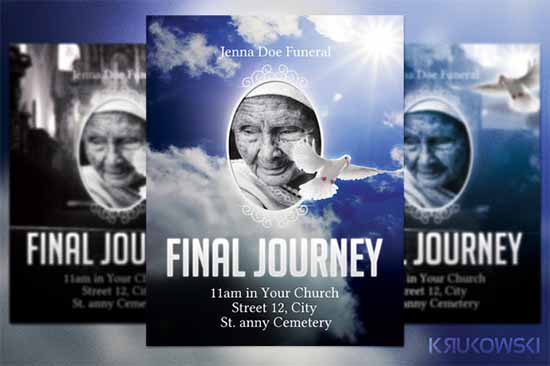
Remembering Funeral Program
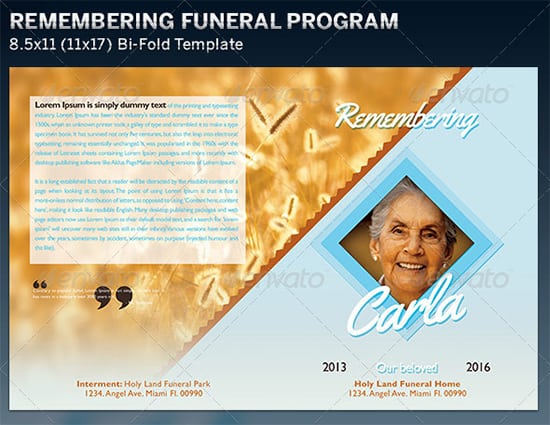
Bi-Fold Funeral Program Example
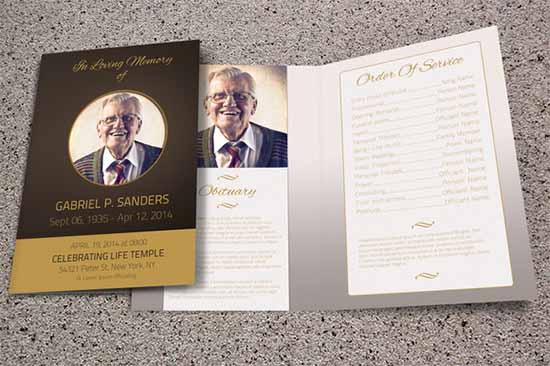
Heaven-Themed Memorial Program
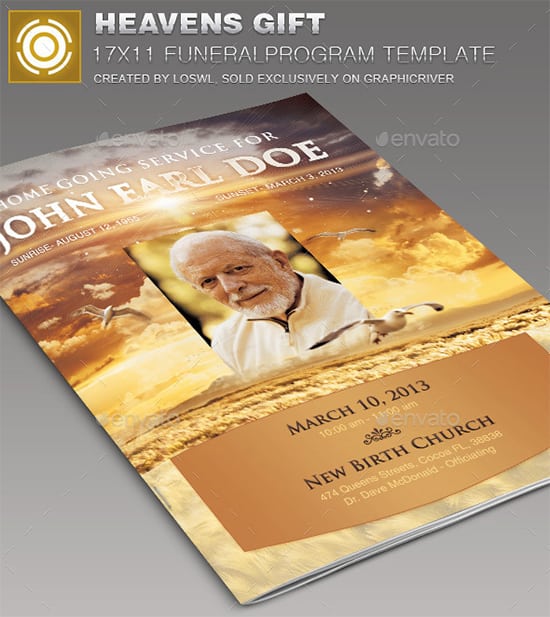
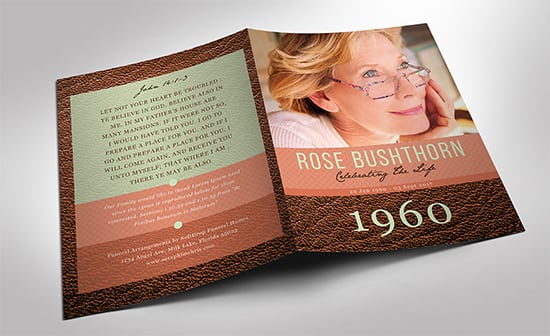
Leather-Style Funeral Program Sample
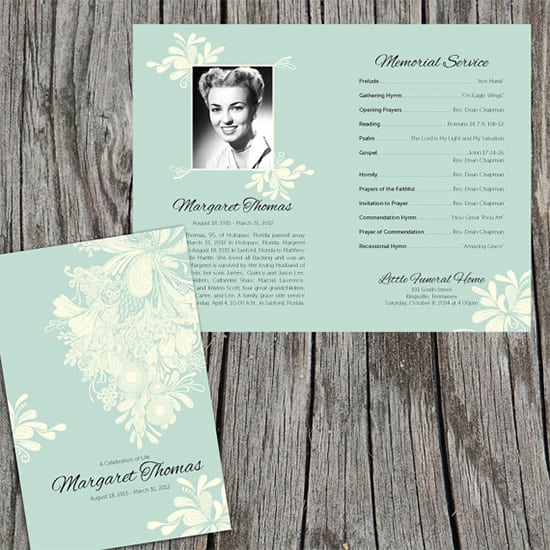
Chrysanthemum Memorial Template
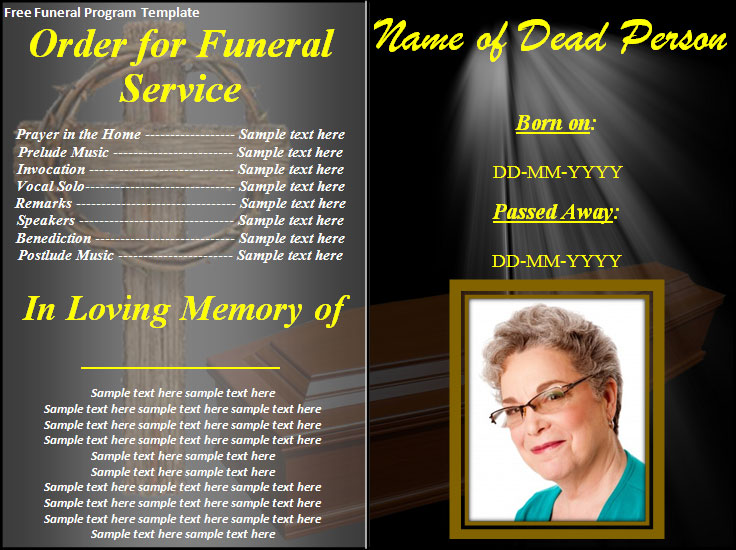
Editable Funeral Program Template

Funeral Program Template FAQs
What belongs in a funeral program?
Usually the person’s name and dates, service details, order of events, participants, readings or music, and an optional tribute or acknowledgment.
How long should a memorial program be?
It should suit the service. A simple ceremony may need four panels; a longer service may benefit from a booklet.
Who should approve the final proof?
Use one designated family contact and confirm the service order with the officiant or coordinator.
What paper works best?
Medium-weight uncoated paper is often practical, but test folding, ink, photographs, and the actual printer first.
Can I include poems and song lyrics?
Copyright may apply. Verify permissions or list the title and participant instead of reproducing protected text.
Should a livestream link appear in the program?
It can, if the family agrees. Test it and protect access where privacy is important.
Can I edit the hosted template in Word?
Yes. Customize a copy, proof it carefully, and obtain family approval before printing.
Are external templates always free?
No. Third-party prices, availability, formats, and licenses can change.