
A business card has only a few seconds to do its job. The person receiving it should be able to identify your name, role, organization, and best contact method without turning the card into a puzzle.
This collection of free business card templates offers several visual directions for freelancers, small companies, healthcare professionals, consultants, sales teams, and anyone creating a personal visiting card. Some previews link to third-party design sources, while the final editable business card template is hosted on this site as a downloadable ZIP file. Review the format and licensing at the destination before using any third-party design commercially.
Start With the Information, Not the Decoration
Before choosing colors or fonts, decide what someone genuinely needs after meeting you. A typical business card includes:
- Your preferred professional name
- Job title or clear description of what you do
- Business or organization name
- Phone number
- Professional email address
- Website or portfolio
- Relevant physical address
- One useful social profile, if appropriate
Do not include every possible channel. A crowded card makes important information harder to find. If email is your best contact method, make it visually prominent.
Write a Title People Understand
Internal titles can be meaningless outside the company. “Solutions Lead II” tells a new contact less than “Commercial Solar Project Manager.” A freelancer may benefit from a short service description such as “Brand Identity and Packaging Designer.”
A clear title improves recall and helps the recipient know when to contact you.
Create a Strong Visual Hierarchy
Not everything should have equal size and weight. Most cards need this hierarchy:
- Name
- Role or specialty
- Business name or logo
- Primary contact details
- Secondary information
Use spacing to separate groups. One or two font families are usually enough. Decorative type can work for a brand name, but contact details must remain readable at actual size.
Standard Size and Bleed
Business card dimensions vary by country and printer. Common sizes include approximately 3.5 × 2 inches in the United States and 85 × 55 millimeters in many other markets. Confirm the printer’s required finished size before designing.
If color or images extend to the edge, the printer may require bleed beyond the trim line. Keep names, logos, and contact details inside the safe area so minor cutting variation does not remove them. Use the printer’s specification rather than guessing measurements.
Front, Back, or Both?
A one-sided card is simple and economical. A two-sided design creates room for a logo, appointment details, services, a QR code, or a short brand message.
The back should add value. Repeating the same information in a larger logo may look elegant, but a useful second side might include:
- A booking link
- Three core services
- Office hours
- A map or location note
- Space for an appointment
- A portfolio QR code
Avoid turning the card into a tiny brochure.
Using a QR Code
A QR code can link to a website, contact card, menu, portfolio, booking page, directions, or professional profile. Label its destination—for example, “View portfolio” or “Save contact”—so the recipient knows what scanning will do.
Test the final printed size with several phones and lighting conditions. Leave quiet space around the code. Link to a stable, mobile-friendly page and avoid sending people to a login screen they cannot access.
Do not use a QR code as the only contact method. People should still be able to read essential details directly.
Color and Contrast
Choose colors that support the brand and remain legible in print. Light gray text on white may look refined on a bright monitor and disappear on paper. Strong contrast matters for small contact information.
If color is important, request a proof. Screens display light; printers place ink or toner on paper. Results can differ because of color mode, material, coating, and equipment.
Logos and Images
Use a high-quality logo with appropriate permission. A low-resolution image may look sharp on screen but print with jagged edges. Vector artwork is often preferred for logos because it scales cleanly.
Do not stretch a logo out of proportion. Keep clear space around it and avoid placing it on a background that reduces visibility. If you do not have a strong logo, a clean typographic card is better than a generic graphic that weakens credibility.
Professional Email and Web Details
Check every character. One wrong letter makes the card ineffective. Use an email address you monitor and a website that works on mobile. Remove outdated fax numbers, inactive profiles, old office locations, and temporary campaign links.
If your email or URL is long, consider a simpler professional address or branded redirect. Never shorten a link in a way that looks suspicious or may expire unexpectedly.
Cards for Healthcare Professionals
Doctors, dentists, therapists, clinics, and other healthcare providers should present credentials and services accurately. Include only titles and licenses you are authorized to use. Distinguish office contact information from emergency instructions.
A business card is not a complete medical notice, consent document, prescription, or guarantee. Protect patient privacy and avoid writing sensitive health information on a card that may be lost or seen by others.
Cards for Freelancers and Consultants
Independent professionals often need the card to explain the service quickly. A short specialty line can help:
- Bookkeeping for independent retailers
- Residential interior design
- Technical writing for software teams
- Wedding and event photography
Use a portfolio or booking link if it supports the next step. Keep the message focused; listing ten unrelated services can make the business appear unclear.
Cards for Employees and Teams
Organizations should use a controlled template so branding, titles, legal names, addresses, and contact formats remain consistent. Assign someone to approve cards before printing.
When employees leave or change roles, outdated cards should not continue circulating. Avoid printing very large quantities when details may change.
Paper and Finish
Paper weight, texture, coating, and finish affect both appearance and function.
- Uncoated stock: easy to write on and often feels natural.
- Matte coating: restrained appearance with reduced glare.
- Gloss coating: vivid color and photographic impact, but harder to write on.
- Textured stock: tactile and distinctive, though very small text may reproduce less cleanly.
- Plastic or transparent cards: unusual and durable, but may cost more and require specialist printing.
Consider environmental claims carefully. Ask suppliers about recycled content, sourcing, coatings, and local recyclability rather than assuming any particular material is sustainable.
Proof Before Printing
Print a paper mockup at 100% scale. Hold it at normal reading distance and check:
- Text size and contrast
- Spelling of names and titles
- Phone and email accuracy
- Website and QR destination
- Safe margins and bleed
- Front-to-back orientation
- Logo quality
- Any required license, registration, or legal wording
Ask another person to proof the card. Familiar text is easy to misread because the designer already knows what it should say.
Using the Templates
Each design has different editing requirements. Third-party links may provide PSD or other source formats and may carry their own licenses, accounts, costs, or usage conditions. Confirm the current terms on the destination site.
The final template in this collection is downloaded directly as a ZIP file. Save an untouched copy, extract the files, replace the placeholder information, and export a print-ready version using the requirements of your printer.
Accessibility and Practical Use
Business cards are small, but they should still be usable. Avoid extremely small type, low contrast, crowded lines, and contact details printed over complex images. A minimum type size that works depends on the font and printing, so test the physical proof.
Offer a digital contact option for people who cannot comfortably read the card. A well-labeled QR code or accessible web page can complement the printed details.
Privacy and Personal Safety
Do not include a home address, personal number, or private email unless you intend to distribute it. People working from home can use a business mailing solution or omit the address when it is not necessary.
Public-facing professionals may want a role-based email or business phone number. Follow employer policy and any professional obligations that apply.
When to Replace a Business Card
Update the card when your name, role, company, phone, email, website, address, credentials, brand, or legal information changes. Destroy or recycle outdated stock appropriately.
Review QR codes and redirects periodically. A beautiful card that points to a broken page damages trust.
Business Card Mistakes to Avoid
- Too much information
- Unreadably small text
- Weak contrast
- Misspelled contact details
- Low-resolution logos
- Content outside the safe area
- QR codes that are untested or unexplained
- Outdated titles and links
- Unlicensed artwork or fonts
- Printing a large quantity before approving a proof
Preview and Download the Business Card Templates
The previews and available source links are grouped below. Some designs are hosted by third parties; availability and licensing may change. The final ZIP download is hosted on this site.
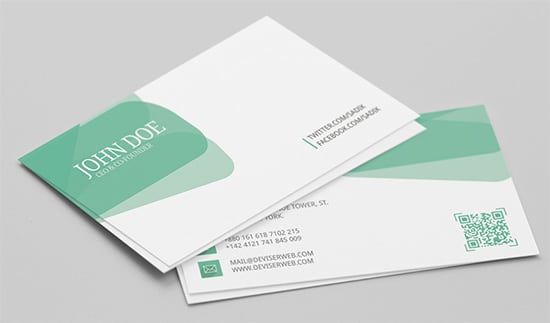
Personal Visiting Card Design

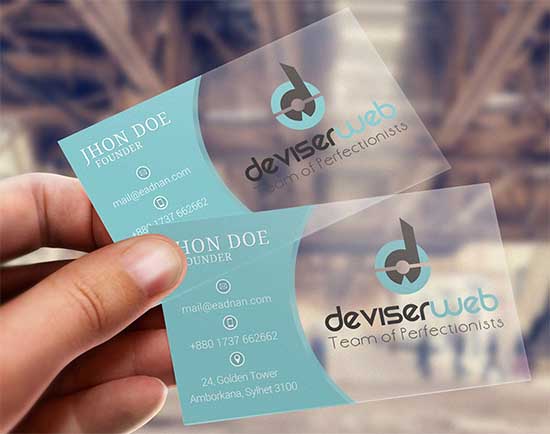
Transparent Plastic Business Card

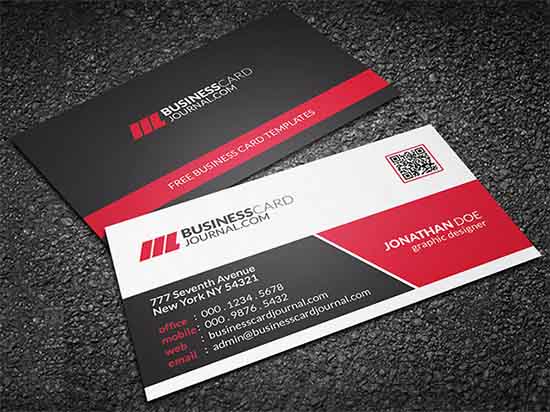
Printable Corporate Business Card
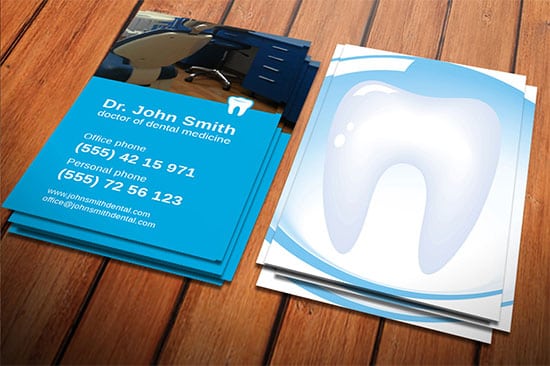
Dentist Business Card
Medical Business Card Preview
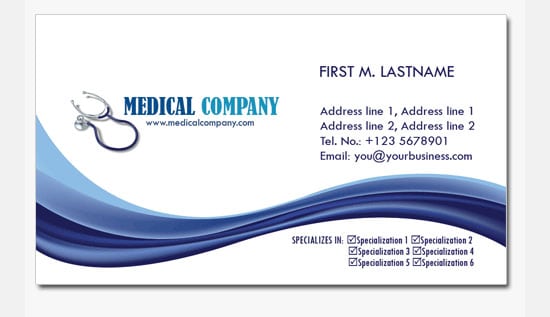
Blank Business Card Sample
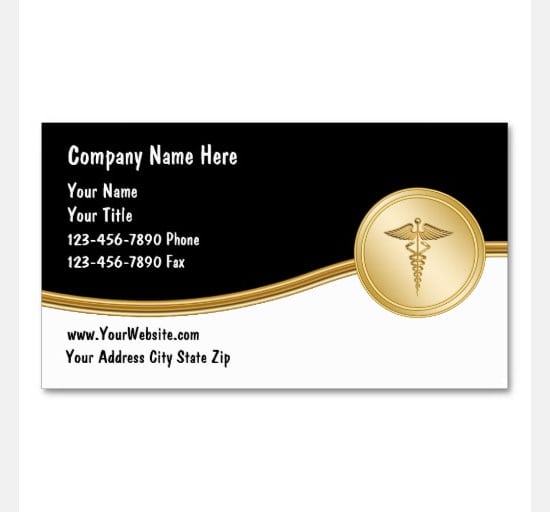
Editable Free Business Card Template

Business Card Template FAQs
What information should a business card include?
Include your name, role, organization, and the contact methods you actually use. Add a website, address, or profile only when relevant.
What size should I use?
Sizes vary by country and printer. Confirm the finished dimensions, bleed, and safe area with the printer before editing or printing.
Should a business card be double-sided?
It can be. Use the back for something useful such as a booking link, services, QR code, appointment details, or logo.
Can I add a QR code?
Yes. Label its destination, test it at printed size, and keep essential contact information visible without scanning.
Which font size is best?
There is no universal number because fonts differ. Print a full-size proof and confirm the smallest text remains comfortable to read.
Can healthcare professionals use these designs?
Yes, but credentials, licenses, services, emergency wording, and privacy practices must be accurate and appropriate.
Are all linked designs hosted here?
No. Several preview buttons lead to third-party sources whose availability, price, file format, and license may change. The final ZIP is hosted on this site.
Can I print cards at home?
Yes, for small quantities, if your printer supports the chosen cardstock and produces accurate front-to-back alignment. Test one sheet first.
How many cards should I print?
Print a quantity you can use before details or branding change. A smaller first run reduces waste and lets you evaluate the design.
Is the final business card template free?
Yes. Download the hosted ZIP and customize it for your legitimate personal or business use.