
A timetable is not a promise that every day will go exactly as planned. It is a visible decision about what deserves time. When the week becomes crowded, a good schedule reduces the number of choices you must make in the moment: you already know when to study, teach, work on the project, exercise, or stop.
This collection includes eight free timetable templates for weekly, monthly, revision, project, study, and school planning. Download the format closest to your situation, customize it, and treat it as a working tool rather than a decorative page that can never change.
Choose a Timetable Based on the Question You Need Answered
Different layouts solve different planning problems.
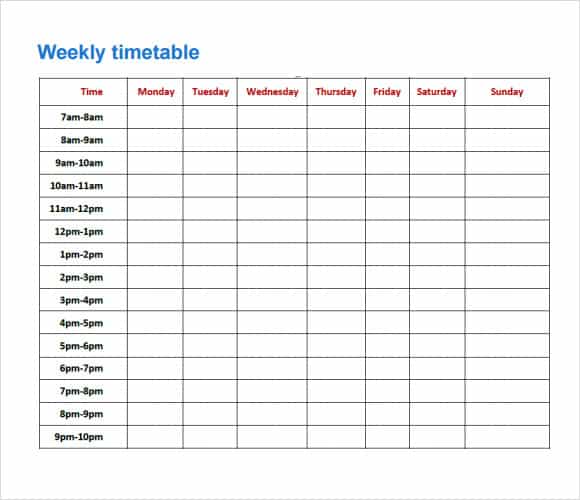
A weekly timetable answers, “What happens at each time during a normal week?”
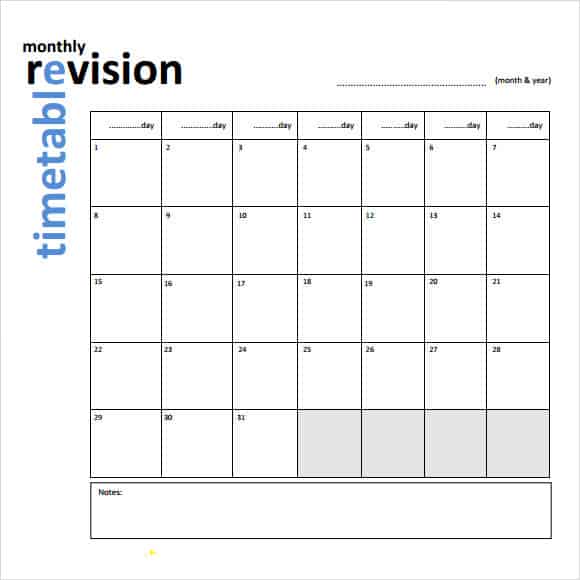
A monthly timetable answers, “Which dates contain deadlines, events, or larger blocks of work?”
A study timetable answers, “When will I work on each subject?”
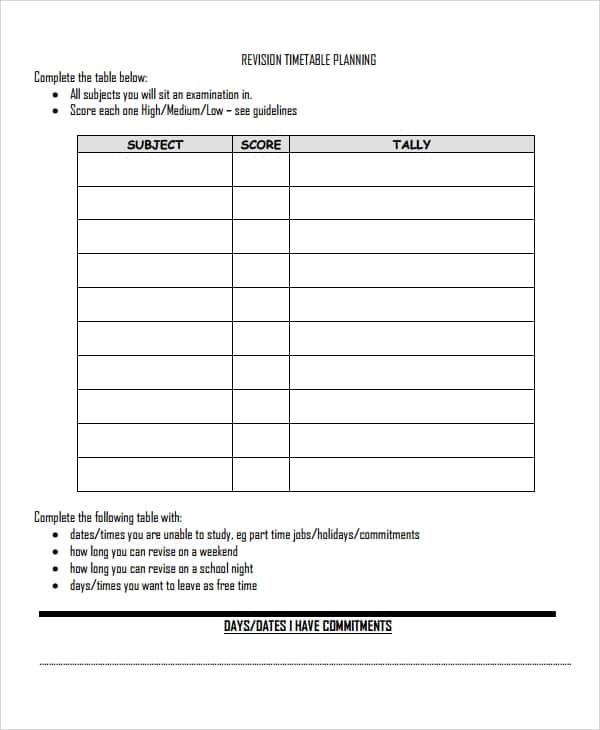
A revision timetable answers, “How will I cover the required material before the exam?”
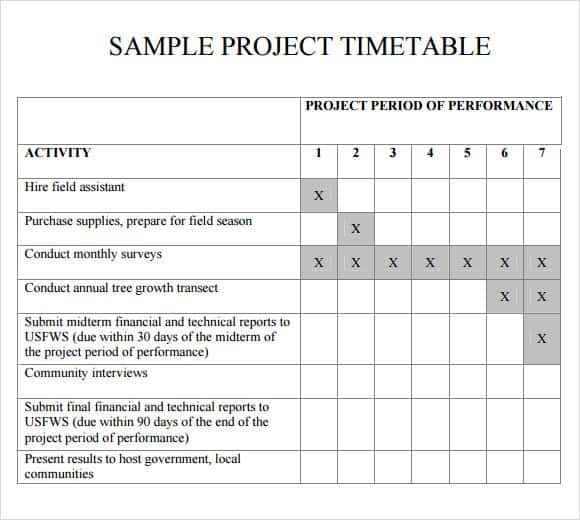
A project timetable answers, “What work must happen, in what order, and by when?”
A school timetable answers, “Which class, teacher, or room belongs in each period?”
Do not force a daily-detail problem into a monthly calendar or a project-dependency problem into a school grid. Pick the visual level that matches the decision.
The Fixed-First Method
Many people build a timetable by filling it with ambitions, then discover there is no room for real life. Reverse the process.
Start with fixed commitments:
- Classes
- Work shifts
- Appointments
- Travel time
- Meals
- Care responsibilities
- Religious or community commitments
- Regular sleep window
These create the frame. Next, add flexible priorities such as study, deep work, exercise, errands, and administration. Finally, leave buffer space for delays and unexpected tasks.
If the timetable has no empty space, it is not efficient—it is fragile.
Estimate Time With Evidence, Not Optimism
People frequently schedule the ideal version of a task. “Write report” gets one hour even though the previous report took three. “Travel to class” includes the bus ride but not walking, waiting, or finding the room.
For one week, record how long repeated activities actually take. Use those observations when planning the next timetable. Add setup and transition time where necessary.
A practical block may look like:
- 10 minutes to prepare
- 50 minutes of focused work
- 10 minutes to record progress and reset
The visible task lasts fifty minutes; the calendar commitment lasts seventy.
Weekly Timetables: Best for Repeating Routines
A weekly layout works well when Monday resembles other Mondays. It can coordinate classes, shifts, lessons, workouts, meal preparation, chores, and recurring meetings.
Build a weekly timetable in layers:
- Add fixed commitments.
- Add travel and preparation.
- Protect sleep and meal breaks.
- Assign high-focus work to your strongest hours.
- Group small administrative tasks.
- Add a review block.
- Leave visible flexibility.
Do not schedule every task at the same level of precision. A medical appointment needs an exact time; “household tasks” may need only an afternoon block.
Monthly Timetables: See the Shape of the Month
Monthly views are useful for deadlines, exams, launches, payment dates, trips, events, and milestones. They are less useful for minute-by-minute planning.
Use the monthly template to spot clusters. Three deadlines in the same week should change what happens in the weeks before. Mark preparation dates, not only final dates.
For example, a presentation due on the 28th might require:
- Topic approval on the 5th
- Research completed by the 12th
- Draft on the 18th
- Slides on the 23rd
- Practice on the 26th
- Final delivery on the 28th
A calendar becomes useful when it shows the path, not just the finish line.
Study Timetables: Plan Work, Not Wishes
“Study chemistry” is too broad. A stronger timetable names a specific action: review chapter questions, solve equilibrium problems, summarize lecture 6, or complete a timed practice set.
Divide study into modes:
- Learning new material
- Retrieval practice
- Problem solving
- Reviewing errors
- Creating summaries
- Practicing under test conditions
Mixing modes is more effective than repeatedly rereading. Schedule difficult subjects when attention is strongest and include shorter review sessions across several days rather than one exhausting block.
Revision Timetables: Work Backward From the Exam
Start by listing subjects, topics, exam dates, and current confidence. Give more time to high-value weak areas without completely ignoring stronger topics.
A revision plan can use three passes:
Pass One: Coverage
Review every required topic and identify gaps. The goal is not mastery; it is knowing what needs attention.
Pass Two: Active Practice
Answer questions, solve problems, explain concepts without notes, and use flashcards selectively. Mark errors by topic.
Pass Three: Exam Readiness
Complete timed papers, practice longer responses, revisit common errors, and prepare equipment and logistics.
Include rest and sleep. A timetable that depends on chronic exhaustion is not a serious study strategy.
School Timetables: Clarity for Students and Families
A school timetable may include period number, subject, teacher, room, start time, end time, break, and recurring activities. Use consistent names and colors, but do not rely on color alone.
For younger students, add small icons or a preparation column for items such as sports kit, instrument, library book, or homework folder. Keep the layout readable enough to check quickly in the morning.
Schools should avoid publishing personal schedules or room details publicly when safety or privacy policies restrict them.
Project Timetables: Connect Work to Milestones
A project schedule needs more than dates. It should show deliverables, owners, dependencies, and review points.
Useful fields include:
- Task or deliverable
- Responsible person
- Start date
- Due date
- Dependency
- Status
- Review or approval
- Notes or risks
If Task B cannot begin until Task A is approved, that relationship matters more than placing both on a colorful calendar. Keep the timetable aligned with the actual project plan.
Time Blocking Without Micromanaging Yourself
Time blocking assigns categories of work to parts of the day. It can reduce context switching and make large priorities visible.
A realistic workday might include:
- 8:30–9:00: plan and communications
- 9:00–10:30: focused project work
- 10:30–11:00: break and small tasks
- 11:00–12:00: meetings
- 1:00–2:30: analysis or writing
- 2:30–3:00: buffer
- 3:00–4:00: follow-up and administration
- 4:00–4:15: review tomorrow
The buffer is not wasted. It keeps one delayed meeting from destroying the rest of the day.
Color Coding That Adds Meaning
Use a small, consistent legend. Possible categories include:
- Blue: class or learning
- Green: focused work
- Orange: appointments
- Purple: personal commitments
- Gray: travel or setup
Pair color with text, symbols, or patterns for accessibility and black-and-white printing. Too many colors turn the timetable into a decoding task.
How to Customize a Timetable Template
- Select the weekly, monthly, study, revision, project, school, or blank layout.
- Save an untouched original.
- Set the correct days, dates, and time range.
- Add fixed commitments first.
- Insert preparation, travel, and breaks.
- Add two or three true priorities.
- Use concise task descriptions.
- Create a small category legend if needed.
- Print or preview the timetable at its real size.
- Review it after one week and adjust.
Paper Timetable or Digital Calendar?
Paper provides a stable overview and can remain visible on a desk, wall, or folder. Digital calendars offer reminders, recurring events, shared updates, and easy rescheduling.
Many people use both:
- Digital calendar for appointments and notifications
- Printed timetable for the weekly pattern
- Task manager for detailed actions
Avoid duplicating every detail across tools. Decide which system is the source of truth for each type of information.
The Weekly Review
A timetable improves through feedback. At the end of the week, ask:
- Which blocks worked as planned?
- Which tasks consistently took longer?
- Where did transitions cause delay?
- Which important work had no protected time?
- Which scheduled activities were not actually important?
- Where is more rest or buffer needed?
Change the design when reality provides better information. The purpose is not to obey an old plan; it is to plan the next week more intelligently.
Timetable Problems and Repairs
The schedule is always behind by noon. Add preparation and transition time, and reduce morning commitments.
Important work keeps moving. Give it a protected block earlier in the day.
Every day is full. Remove low-value commitments and add buffer. Do not simply work faster.
The timetable is ignored. Put it where decisions occur and simplify the categories.
Tasks feel too large. Replace broad labels with one visible next action.
Changes make the page messy. Use pencil, sticky notes, or a digital version for unstable periods.
Download Eight Free Timetable Templates
Choose the layout that fits the planning problem. The previews and download buttons are grouped below, immediately before the FAQ section.
Weekly Timetable Template

Monthly Timetable Template
Revision Timetable Template
Project Timetable Template
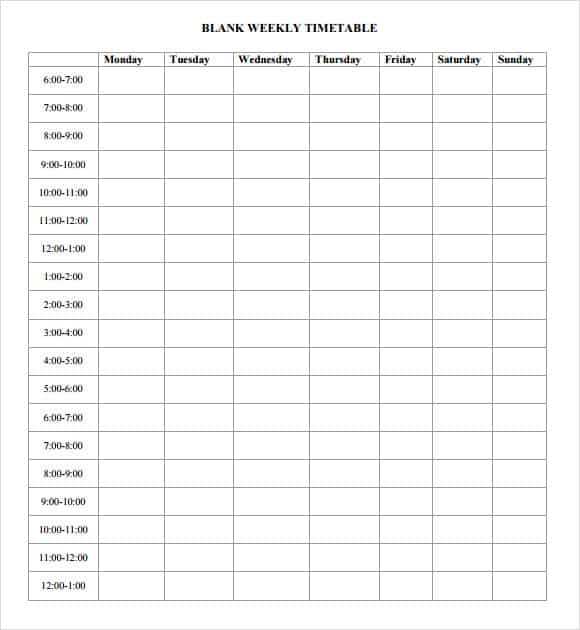
Blank Weekly Timetable Template
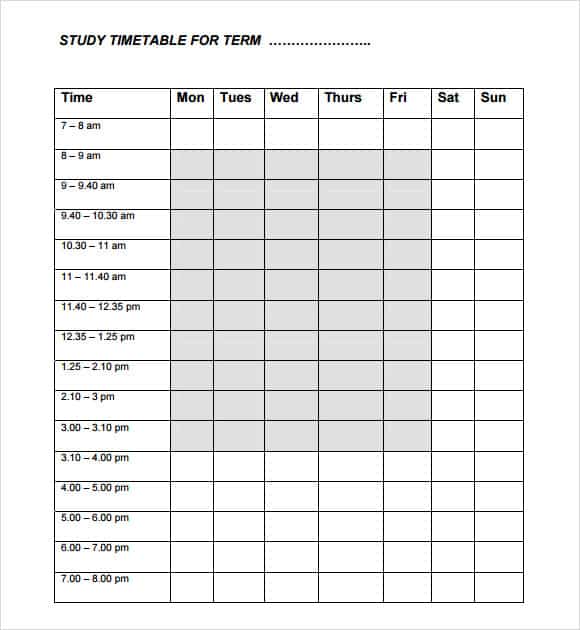
Study Timetable Template
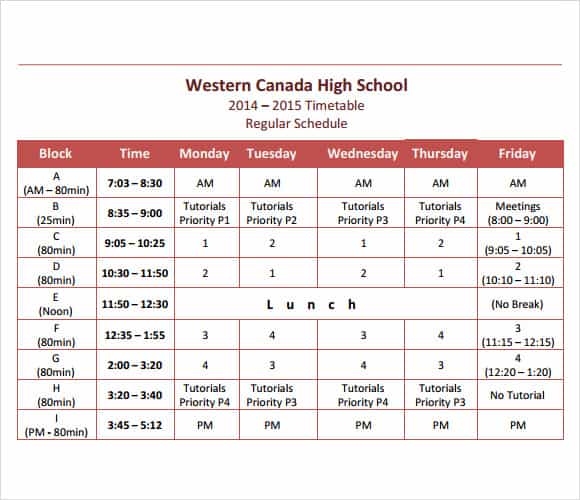
School Timetable Template
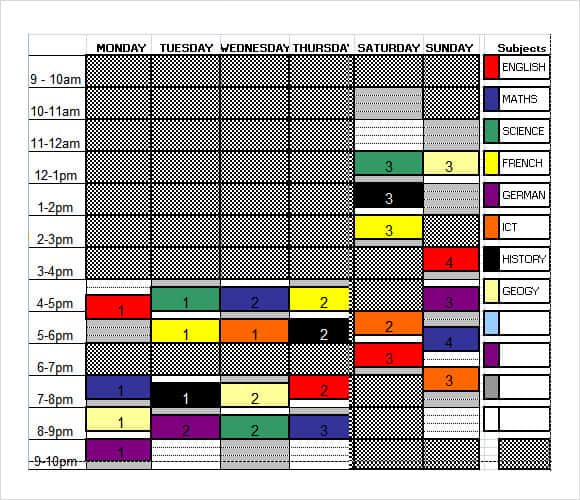
General Timetable Template
Timetable Template FAQs
Which timetable should I choose?
Use a weekly layout for repeating routines, monthly for dates and milestones, study or revision for academic work, project for deliverables, and school for class periods.
How detailed should a timetable be?
Use enough detail to guide action without scheduling every minute. Include preparation, travel, breaks, and buffer where they affect the plan.
What if I keep falling behind?
Measure how long tasks actually take, reduce overcommitment, add transitions, and protect fewer priorities rather than making the timetable denser.
Should I schedule breaks?
Yes. Breaks, meals, and recovery are real parts of a sustainable schedule, not rewards to add only when work finishes.
Can a timetable improve studying?
It can protect regular study time and distribute practice. Results still depend on active learning methods, appropriate difficulty, feedback, sleep, and consistency.
Is color coding necessary?
No. It can make categories easier to scan, but use a small legend and pair color with text or symbols.
Should I use paper or a digital calendar?
Use the format you will review. A common combination is digital reminders for appointments and a printed weekly timetable for the overall pattern.
How often should I revise the schedule?
Review it weekly and whenever commitments change. A timetable should respond to evidence rather than remain fixed for appearance.
Can the templates be edited?
Yes. Download the chosen file, save an original copy, and customize days, times, subjects, tasks, colors, and labels.
Are all eight timetable templates free?
Yes. The weekly, monthly, revision, project, blank, study, school, and general timetable templates can be downloaded from this page.